SOURCE-CHECKED361
How to record part of your screen with Windows 11 Snipping Tool
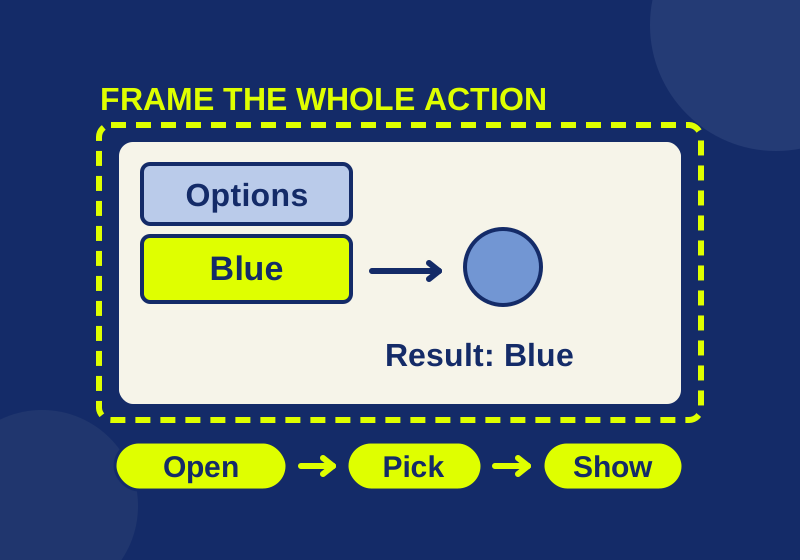
Use an original practice screen to include the button, menu choice, and result in a short Windows recording.
THE HOWCURIO / STORY INDEX
Explore everyday tech, useful apps, free resources, and practical ways to make more of your time online.
390 STORIES · PAGE 31 OF 33Showing 12 of 390 stories
SOURCE-CHECKED361
Use an original practice screen to include the button, menu choice, and result in a short Windows recording.
SOURCE-CHECKED362
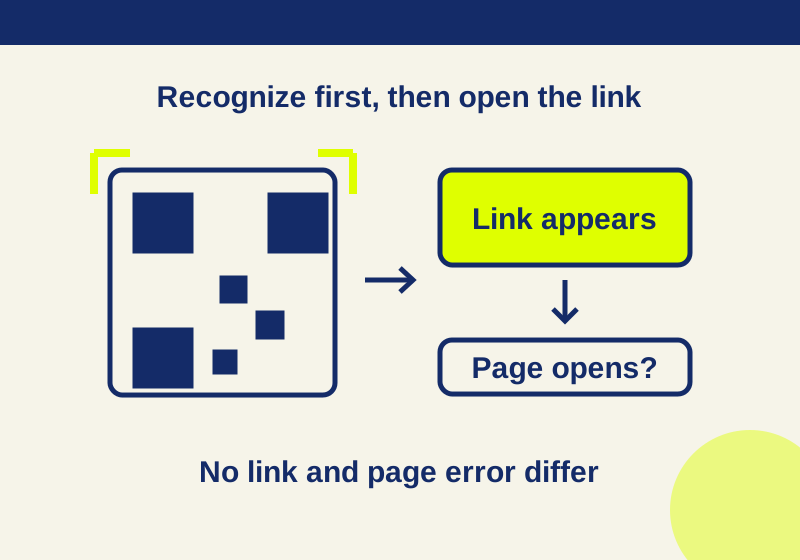
Use either built-in scanner, try a QR code with a known destination, and find the next step when no link appears or the page will not load.
SOURCE-CHECKED363
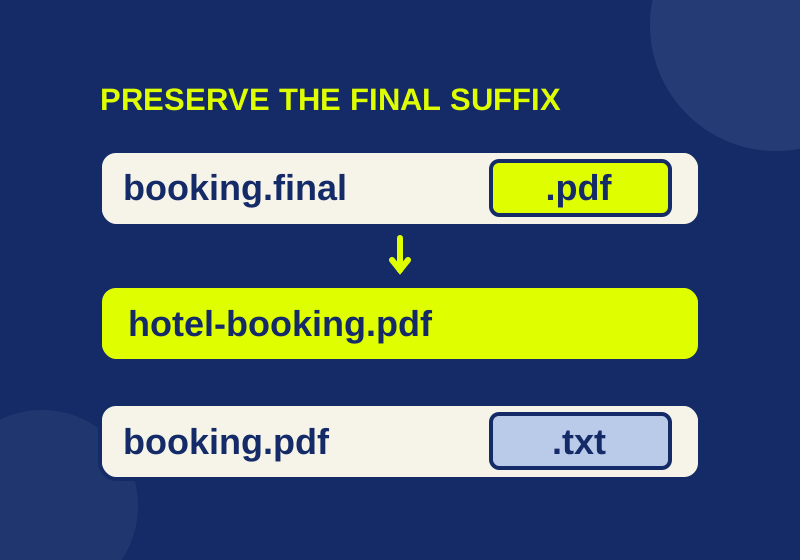
See the final filename suffix and change a file name without mistaking a rename for a format conversion.
SOURCE-CHECKED364
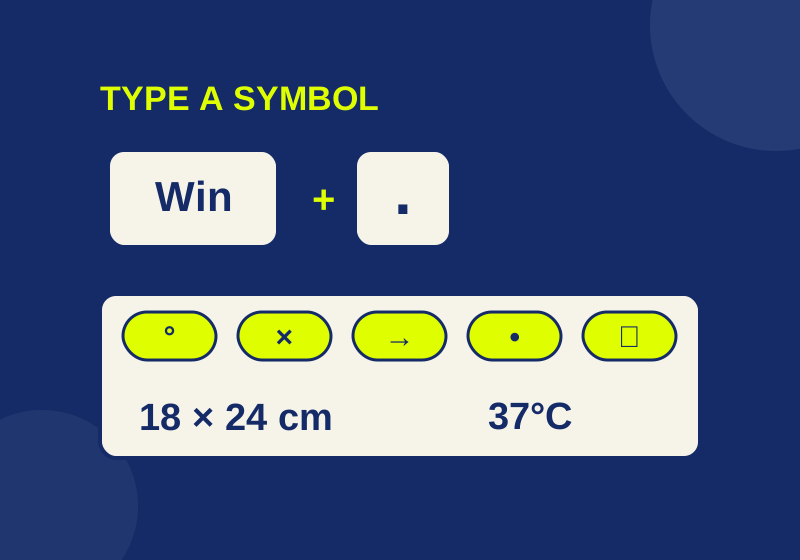
Type emoji, degree signs, bullets, and other symbols. Includes a copyable bank and an offline inspector for invisible selectors and joined emoji.
SOURCE-CHECKED365
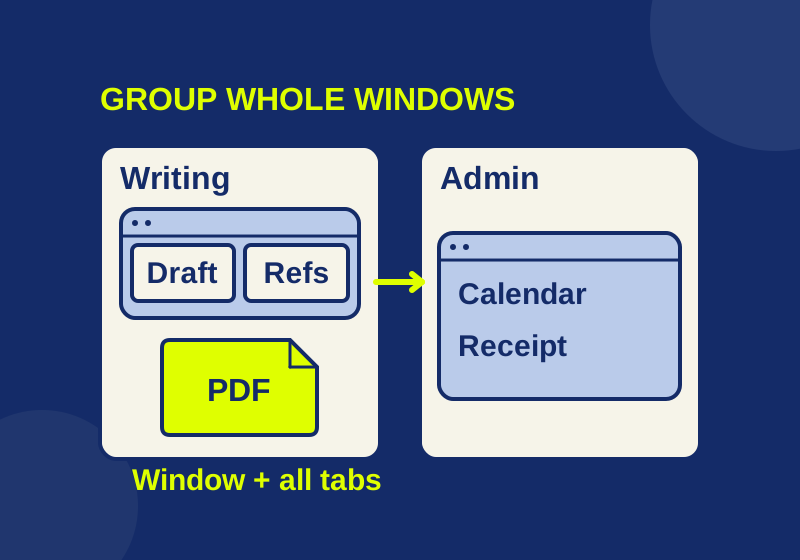
Give each window a desktop, then check the settings that can make the groups look mixed.
TESTED366
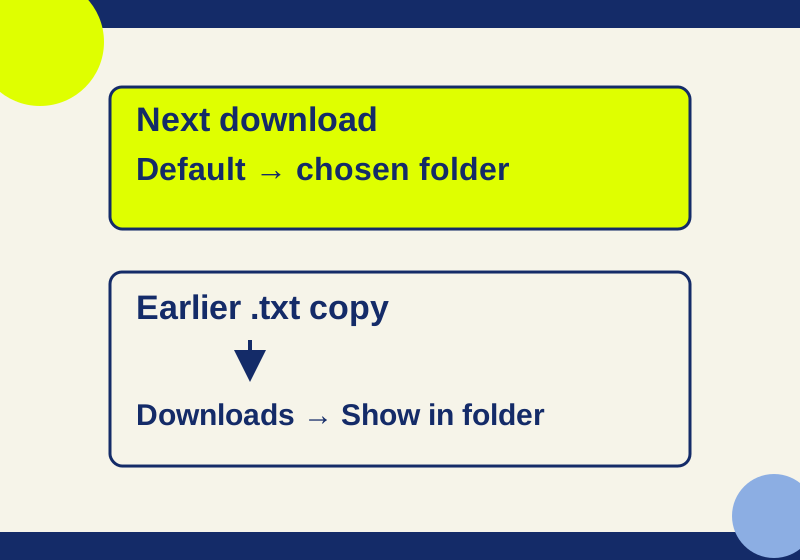
Use Chrome's Downloads settings to save everything in one folder or choose a destination for each file.
SOURCE-CHECKED367
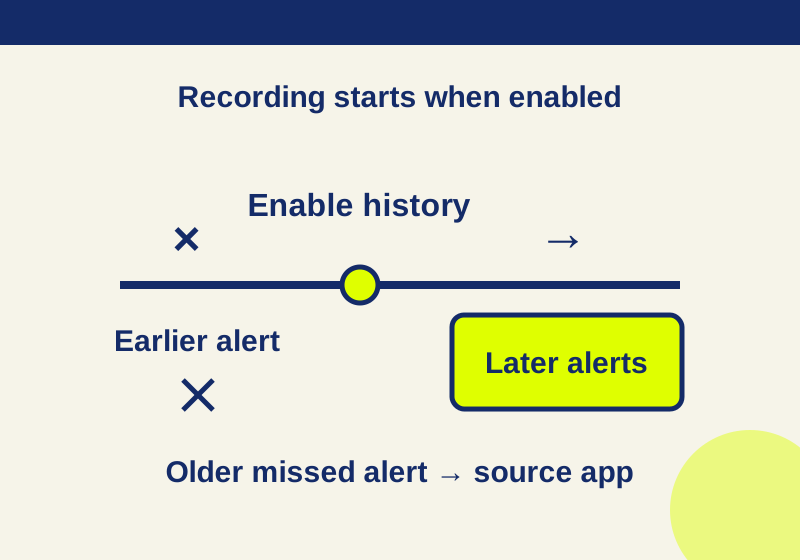
A recent recorded alert can lead back to its app. An empty history needs a different recovery route.
SOURCE-CHECKED368
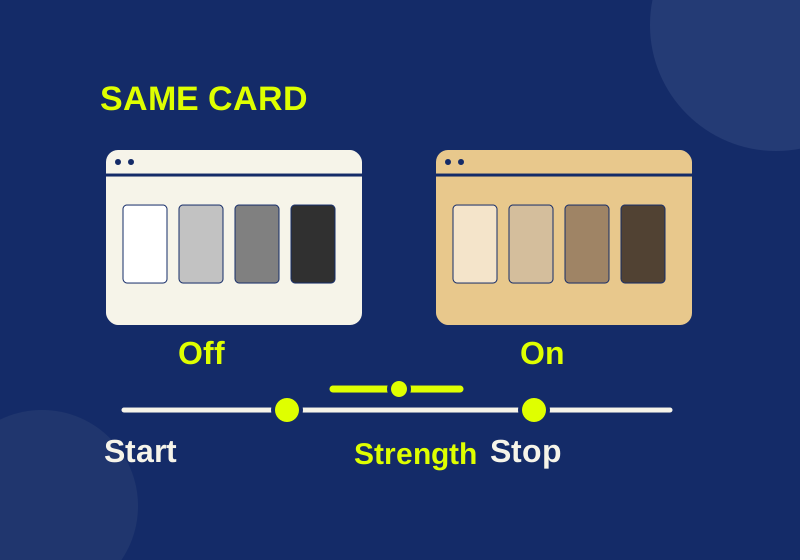
Schedule warmer display colors and use one fixed reference image to investigate an unexpected tint.

SOURCE-CHECKED369
Translate the page for context, then inspect an important passage with its heading and exception rows still in view.
TESTED370
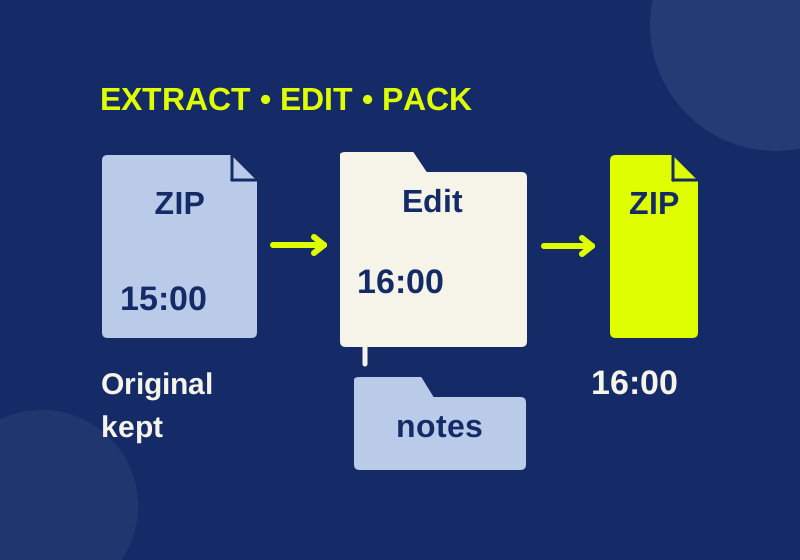
Use a real practice ZIP to extract, edit, and send the right version of your files.
SOURCE-CHECKED371
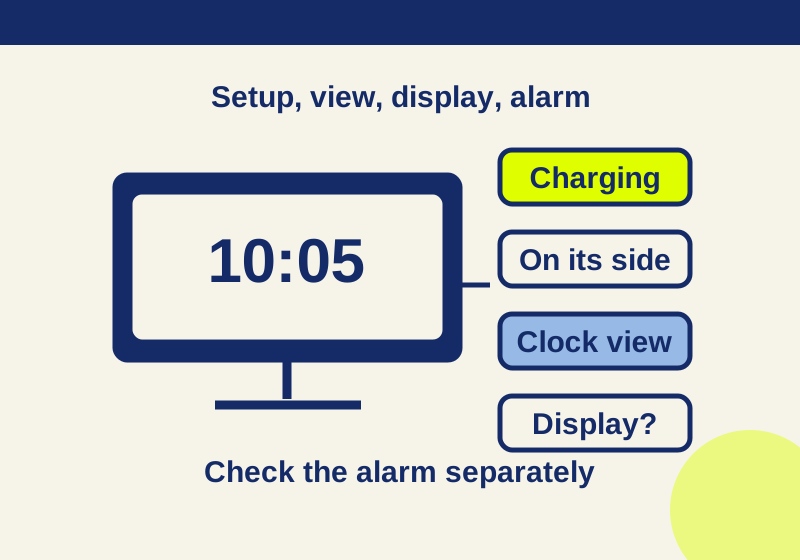
A missing clock, a dark screen and a silent alarm need different checks. Start with the symptom your iPhone actually shows.
SOURCE-CHECKED372
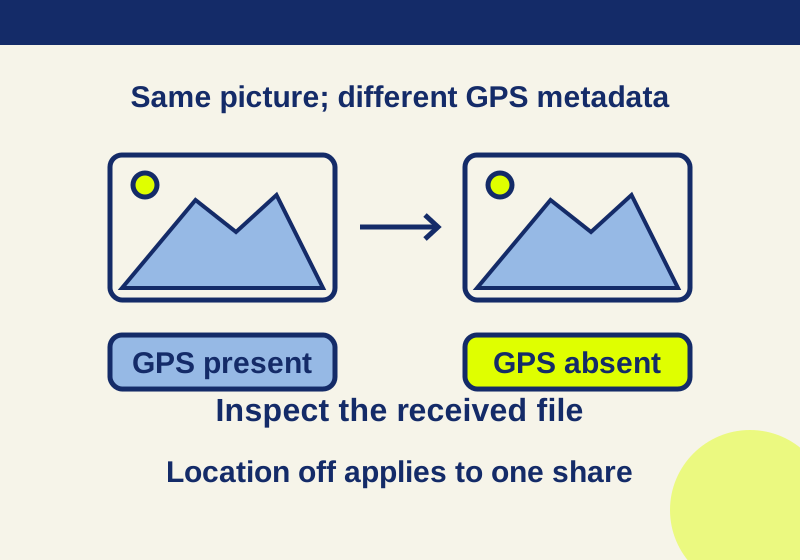
A missing GPS field and an unchanged picture can coexist. Inspect the received file while keeping the original photo separate.
No story on this page matches that search. Try another term or browse a topic.