SOURCE-CHECKED GUIDE13
Check image dimensions before a Mac upload
Compare the original and edited dimensions with every requirement of the upload form.
Published Sep 29, 2026Read guide
THE HOWCURIO / GUIDE INDEX
Practical guides based on an inspected output or checked primary instructions. Each explains the limit of the evidence.
104 GUIDES · PAGE 2 OF 9Showing 12 of 104 guides
SOURCE-CHECKED GUIDE13
Compare the original and edited dimensions with every requirement of the upload form.
SOURCE-CHECKED GUIDE14
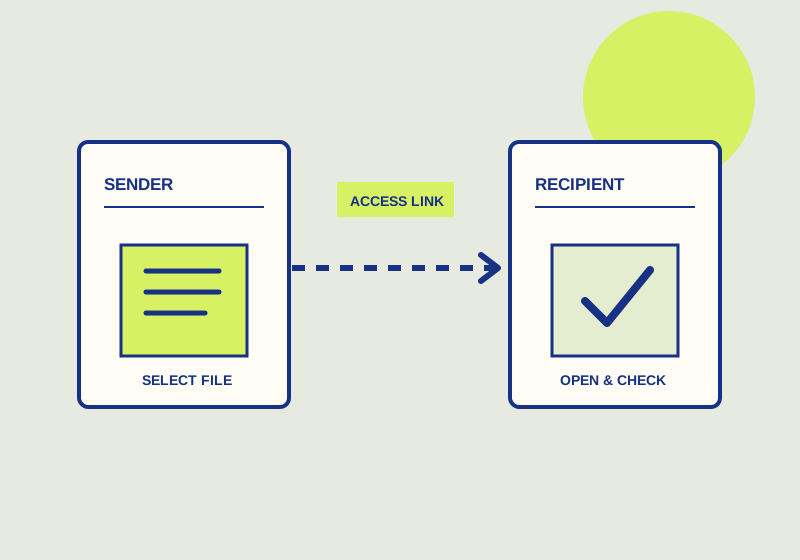
Use a visitor for a public board link or a guest for occasional access to a private board.
SOURCE-CHECKED GUIDE15
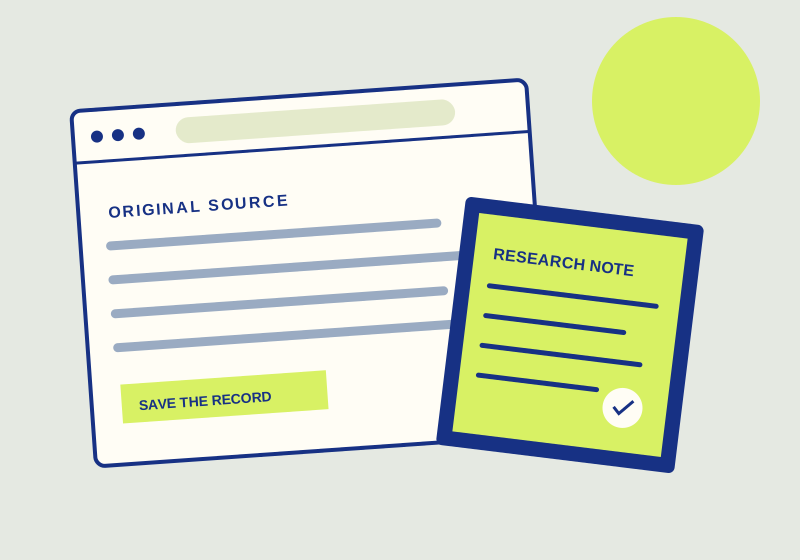
Generate a reference list, then check every entry against its source record.

SOURCE-CHECKED GUIDE16
Evaluate whether a creative library needs per-asset usage and download rules.
SOURCE-CHECKED GUIDE17
To convert a PDF to an editable Word document in Adobe Acrobat, choose Convert > Microsoft Word, select DOCX or DOC, choose Convert, and save the result.
SOURCE-CHECKED GUIDE18
Choose by image content, then check text edges, detail, transparency, and file size.
SOURCE-CHECKED GUIDE19
Use restricted access for named recipients and link access for a broader audience.
SOURCE-CHECKED GUIDE20
An HTML export transfers bookmark links; it does not save the linked pages.
SOURCE-CHECKED GUIDE21
Choose a retrieval system for campaigns with assets reused across several teams.
TESTED GUIDE22
To crop PDF margins in Acrobat on web, use Edit > Crop pages, drag the crop handles around the area you want visible, and select Crop.
SOURCE-CHECKED GUIDE23
Match the artwork to the format and inspect the export at its intended sizes.
SOURCE-CHECKED GUIDE24
Create one upload request, share it with submitters, monitor the owner’s storage, and close it when submissions end.
No guide on this page matches that search. Try another term or browse the topic.