SOURCE-CHECKED85
Organize a shared Google Keep note with labels only you see
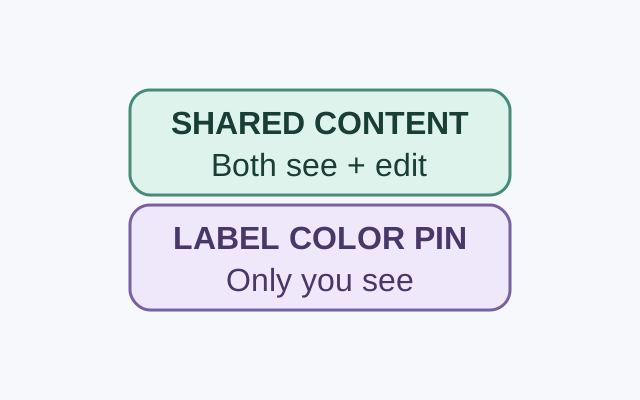
A collaborator can see and edit a shared note’s contents. Google says only you can see the labels, colors, and pins you apply to it.
THE HOWCURIO / STORY INDEX
Explore everyday tech, useful apps, free resources, and practical ways to make more of your time online.
390 STORIES · PAGE 8 OF 33Showing 12 of 390 stories
SOURCE-CHECKED85
A collaborator can see and edit a shared note’s contents. Google says only you can see the labels, colors, and pins you apply to it.
SOURCE-CHECKED86
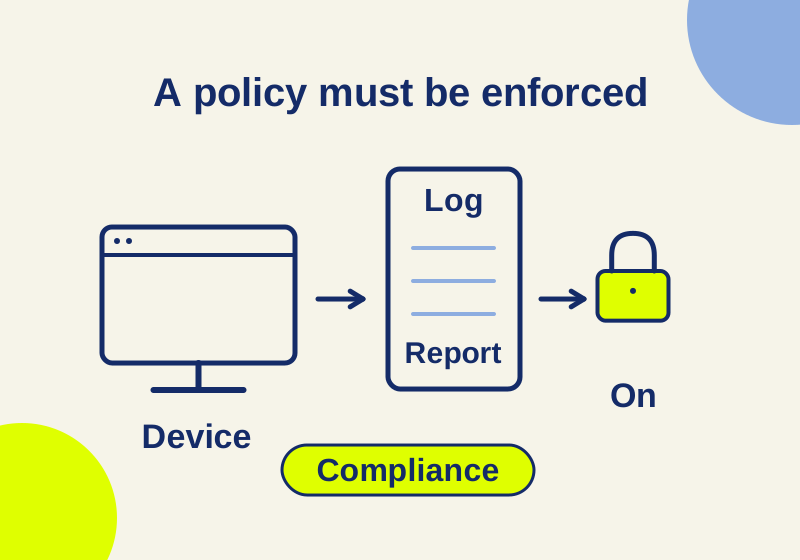
Premium adds device and access controls. Follow a scoped policy example and understand which users, apps, and devices it covers.
TESTED87
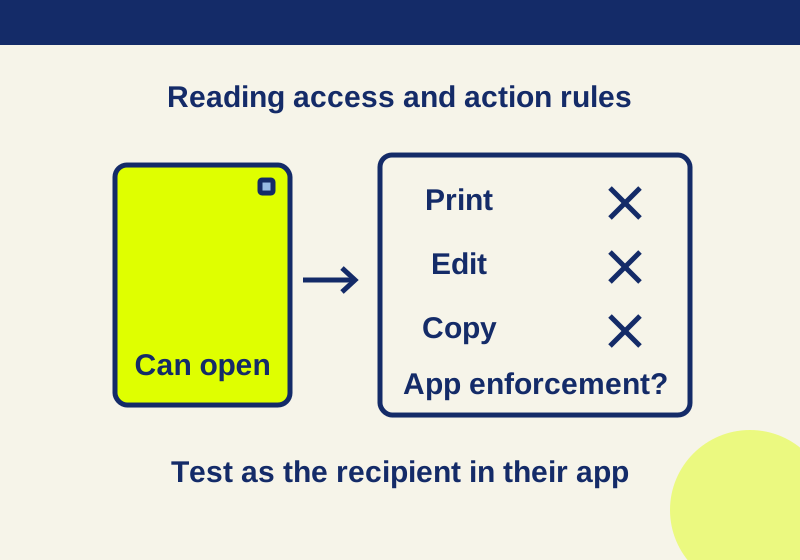
Set printing, editing and copying permissions for the actions you want to limit. A real three-file example shows why those settings need a recipient-app check.
SOURCE-CHECKED88
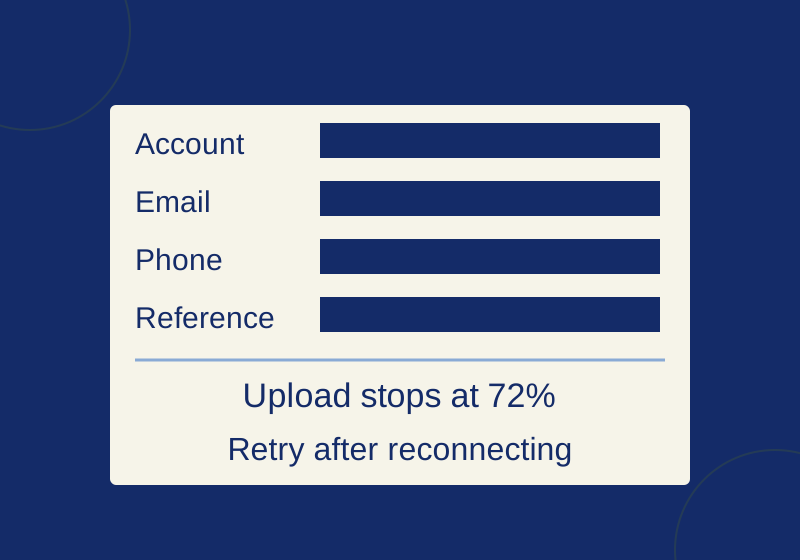
Hide account details and preserve the exact error, with before-and-after practice screenshots.
SOURCE-CHECKED89
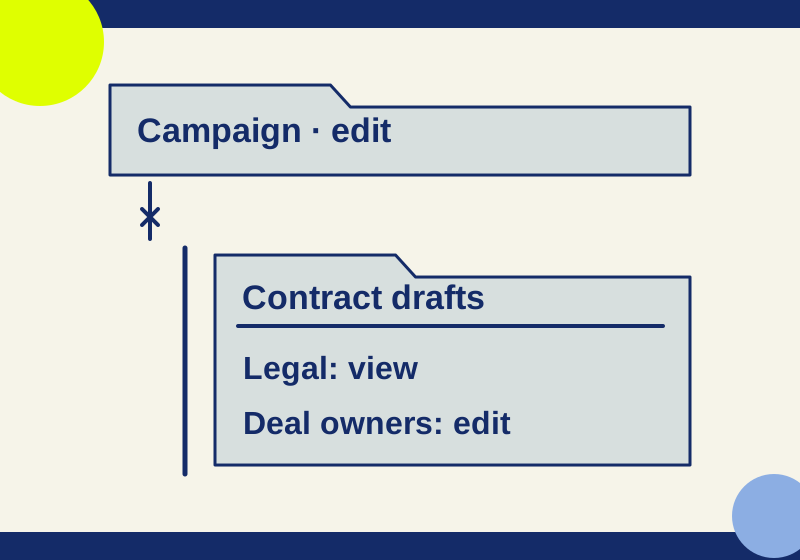
Remove the broad child-folder grant, retain the smaller audience, and distinguish parent-access resets from deleted-folder restores.
TESTED90
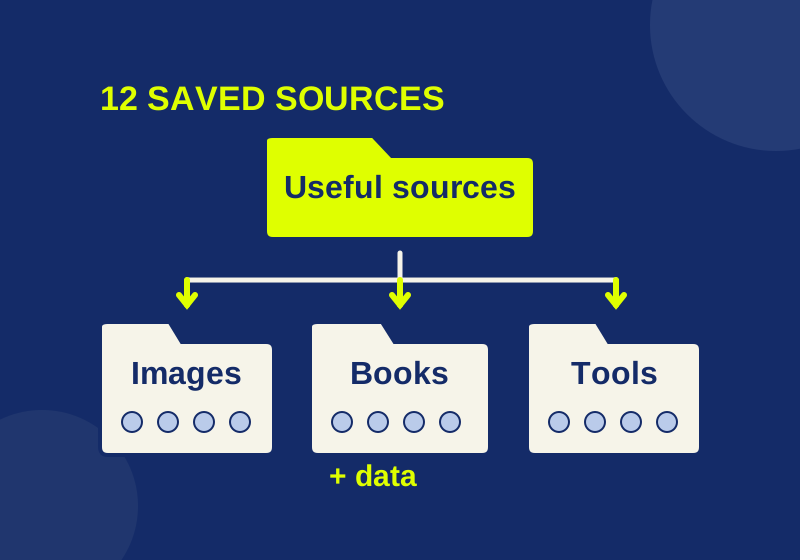
Build a browsable bookmark collection with 12 real sources, downloadable HTML, and a tested Chrome folder example.
SOURCE-CHECKED91
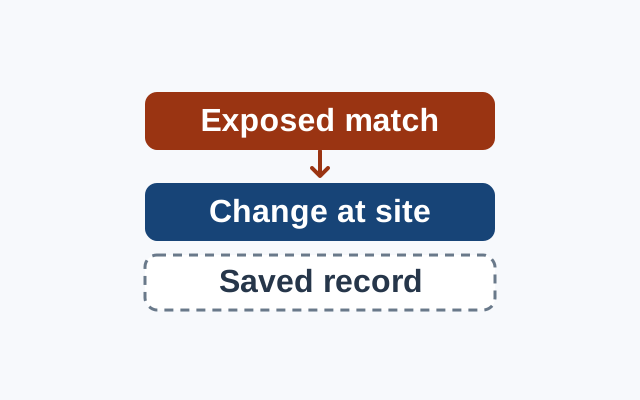
A breach warning concerns an exposed credential. Change the password at the affected website; treat Chrome’s saved record as a separate concern.
SOURCE-CHECKED92
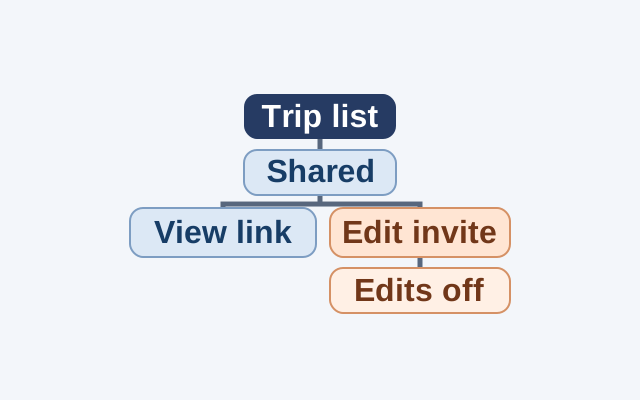
Use a hypothetical trip list to decide when to send a viewing link, invite an editor, and end editing access.
SOURCE-CHECKED93
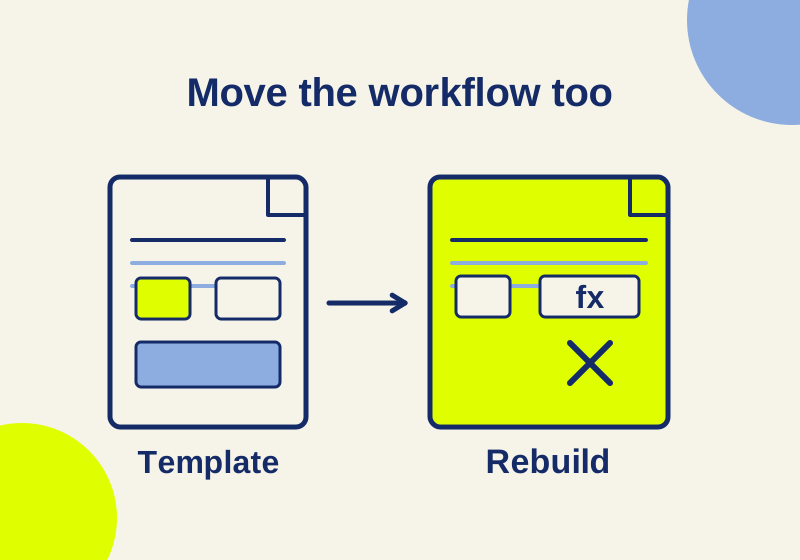
Find quota, field and workflow problems before sending a migrated template.
SOURCE-CHECKED94
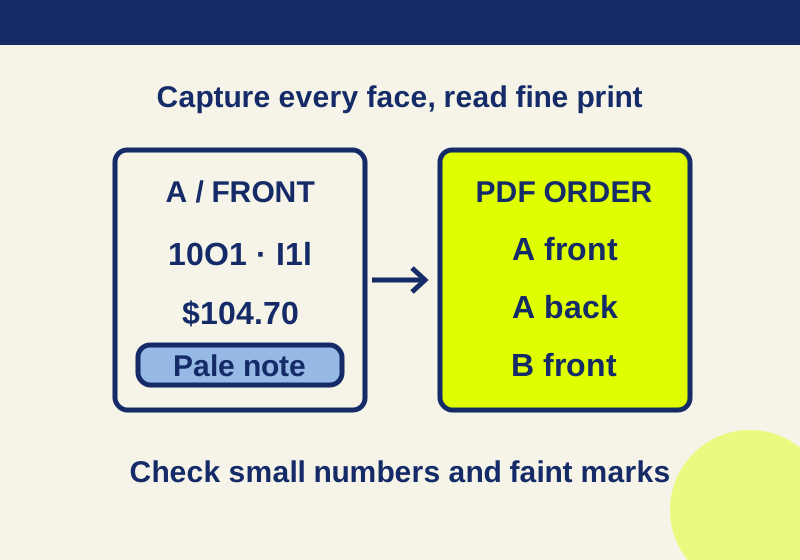
In Acrobat, choose Create > Scanner > Create New PDF, scan all intended faces, and reopen the saved file to inspect order and fine print.
TESTED95
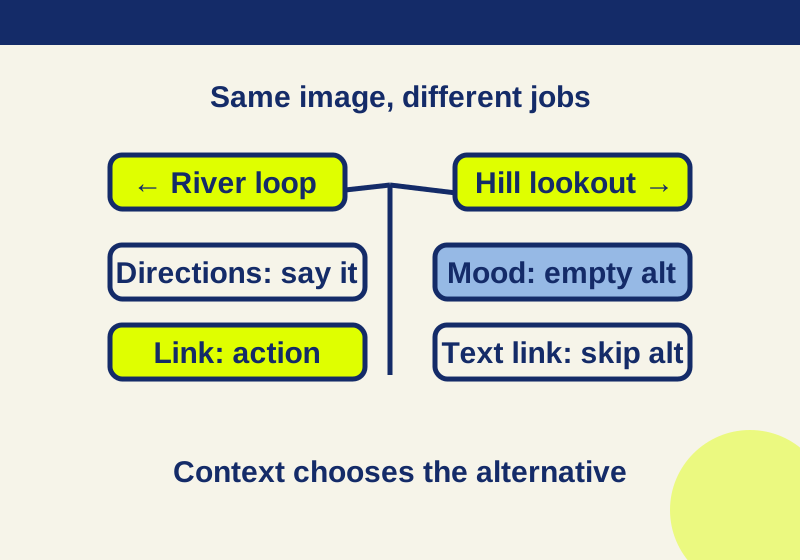
The same trail diagram needs different alt text depending on what its placement communicates or does.
SOURCE-CHECKED96
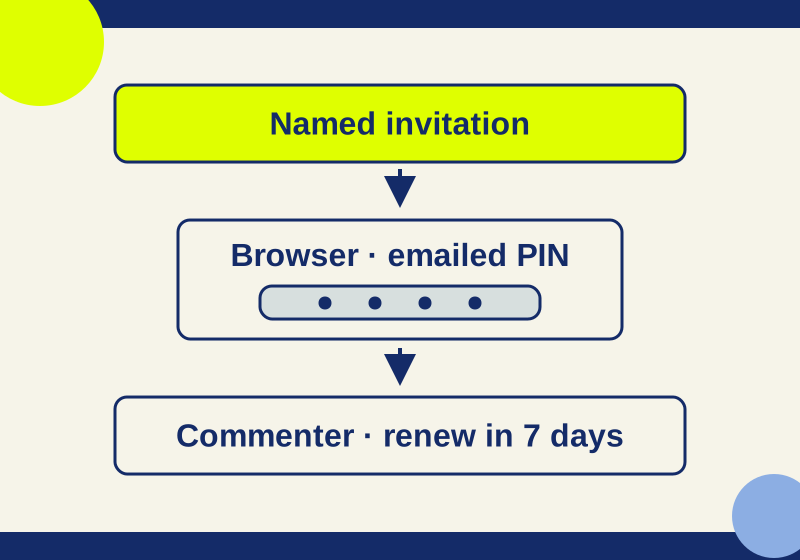
Work through invitation, PIN, browser, and re-verification problems with a recipient note you can reuse.
No story on this page matches that search. Try another term or browse a topic.