SOURCE-CHECKED GUIDE49
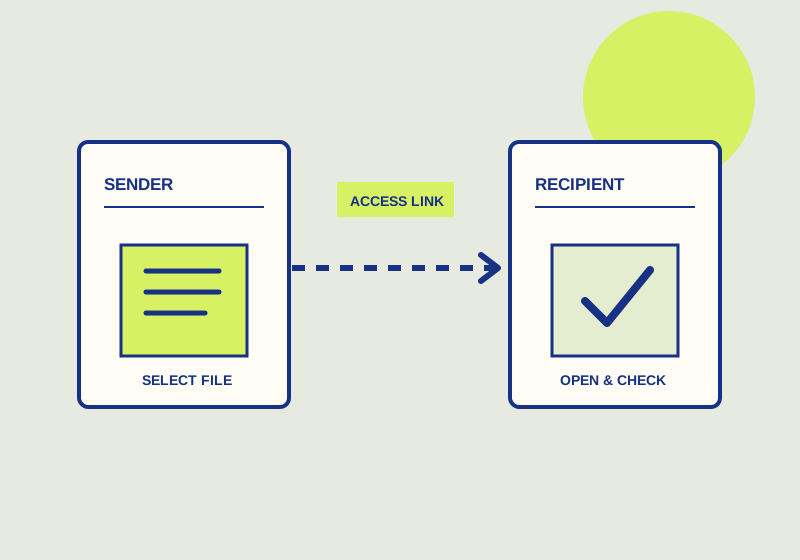
Make a OneDrive link for specific people
A Specific people link is for named recipients; forwarding the message does not add another person.
Published Sep 29, 2026Read guide
THE HOWCURIO / GUIDE INDEX
Practical guides based on an inspected output or checked primary instructions. Each explains the limit of the evidence.
104 GUIDES · PAGE 5 OF 9Showing 12 of 104 guides
SOURCE-CHECKED GUIDE49
A Specific people link is for named recipients; forwarding the message does not add another person.
SOURCE-CHECKED GUIDE50
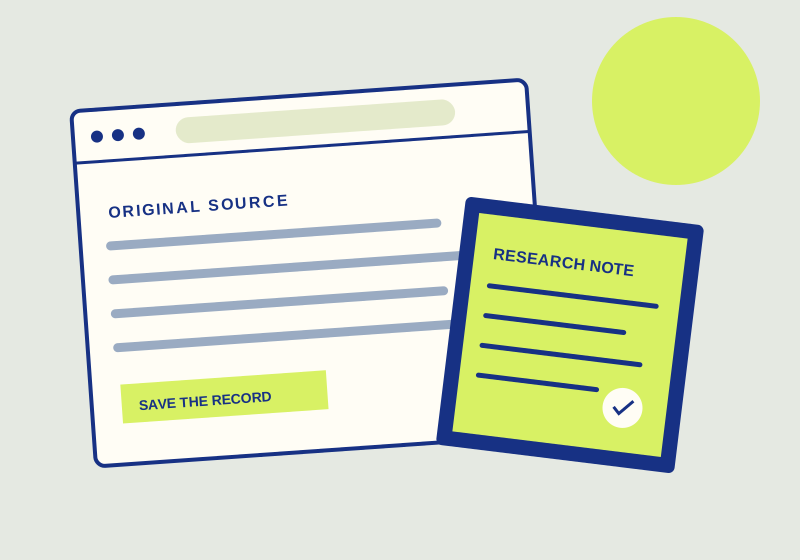
Use one topic tag across folders and search for the saved links it identifies.

SOURCE-CHECKED GUIDE51
Translate seasonal sending patterns into questions for two e-signature quotes.
SOURCE-CHECKED GUIDE52
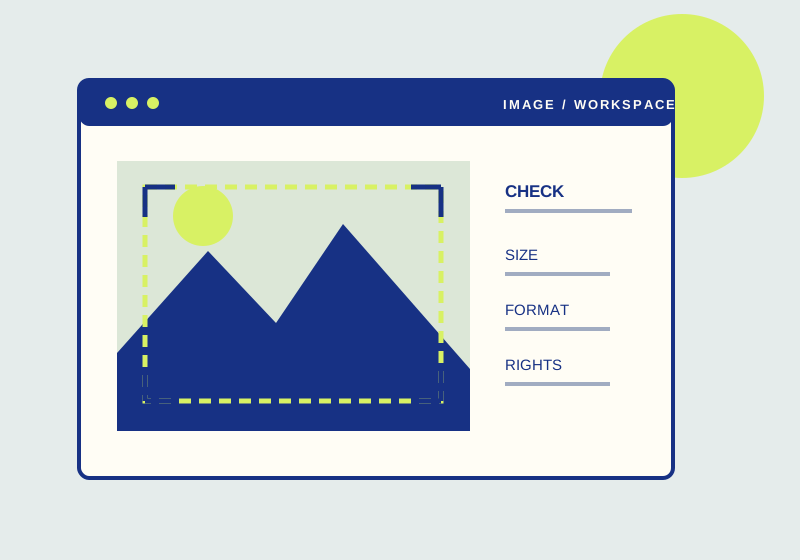
Resize proportionally, inspect the saved copy, and verify its actual attachment size.
SOURCE-CHECKED GUIDE53
Design a client access boundary that does not open unrelated files.
SOURCE-CHECKED GUIDE54
A saved tag search can show sources still awaiting your review.
SOURCE-CHECKED GUIDE55
Choose a Docusign plan from real sending volume and team ownership.
SOURCE-CHECKED GUIDE56
Quick redact covers emails and phone numbers; inspect every other visible private detail.
SOURCE-CHECKED GUIDE57
Require a password for the link, then give the recipient the link and password.
SOURCE-CHECKED GUIDE58
Find the workflow features that justify a Business Pro evaluation.
SOURCE-CHECKED GUIDE59
Apply Remove, then check narrow edges and the result at its intended display size.
SOURCE-CHECKED GUIDE60
Check both the file’s general access and its individual collaborators before deciding what to revoke.
No guide on this page matches that search. Try another term or browse the topic.