SOURCE-CHECKED · WEB RESEARCH
How to save a web page with the Wayback Machine
Save a public page before it changes, check the capture and linked files, and keep a usable record with our Wayback address inspector.
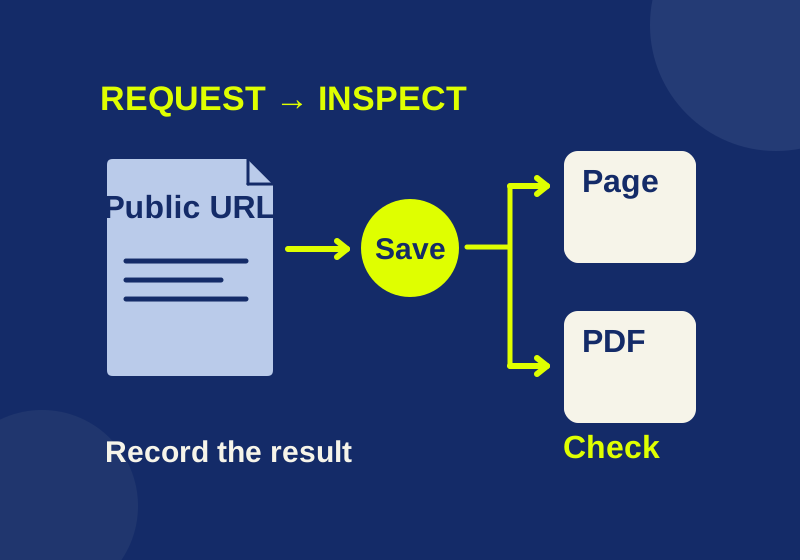
If an article, announcement, or set of instructions matters to you, submit its current public URL to the Wayback Machine’s Save Page Now feature. If the request completes, keep the exact archive address it returns and open that address to check the part you need. A bookmark keeps the original address; an archive address identifies a capture you can refer to later.
This works best when you know what you are trying to preserve. A page may contain the sentence you need, while its image, table, or linked PDF needs a separate check.
Save the current page
-
Copy the original page address. Use the public page you want saved, rather than an existing Wayback Machine address. Keep a query string when it selects meaningful content, such as a particular document or language. If the address contains a private access token or other credential, find a public address instead of submitting the credential.
-
Submit it through Save Page Now. The Internet Archive’s saving instructions describe entering the original URL and submitting a save request. This is a request for the page as it is available now; it is not a way to choose an earlier version.
-
Wait for a completed result. The official instructions describe a returned replay URL after a successful save. Copy that full URL. If the request times out or gives you no archive address, leave the result unverified. A timeout alone does not tell you whether the service, the page, or the connection caused the problem.
-
Open the returned archive address. Read the exact passage you need. Check any important table, image, or linked attachment. A page that opens is not necessarily a complete copy of everything it displayed or linked to on the live site; the Internet Archive notes that images and styling can fail in captures.
-
Record what you checked. Save the original URL, the exact archive URL, the passage or item that matters, and the date you inspected it. A blank capture record gives you a place to do that without treating an unverified request as a finished capture.
Keep the original and archive addresses together. The first identifies the source page; the second identifies the version you inspected.
Follow a page and its PDF separately
The PDF cropping guide explains why content outside a PDF’s visible crop can still exist in the file. Its page links to three practice PDFs: an original, a cropped copy containing hidden text, and a restored copy. To preserve the explanation and inspect those examples later, you need records for both the article and the files.
Start with the guide URL. If Save Page Now returns an archive address, open it and find the paragraph you intended to preserve. Then follow the PDF link from the archived page and check whether the file you need is actually available there. Saving the guide URL does not, by itself, establish that the linked PDF was archived. If the file matters, submit its own public URL and keep its own returned archive address and inspection notes.
The same reasoning applies to an announcement with a linked policy document. An archived announcement can support what the announcement said; it does not automatically preserve the document behind its link. If a later version changes one sentence, your record should identify that sentence and the capture you read, rather than merely say “the page was saved.”
Read the archive address
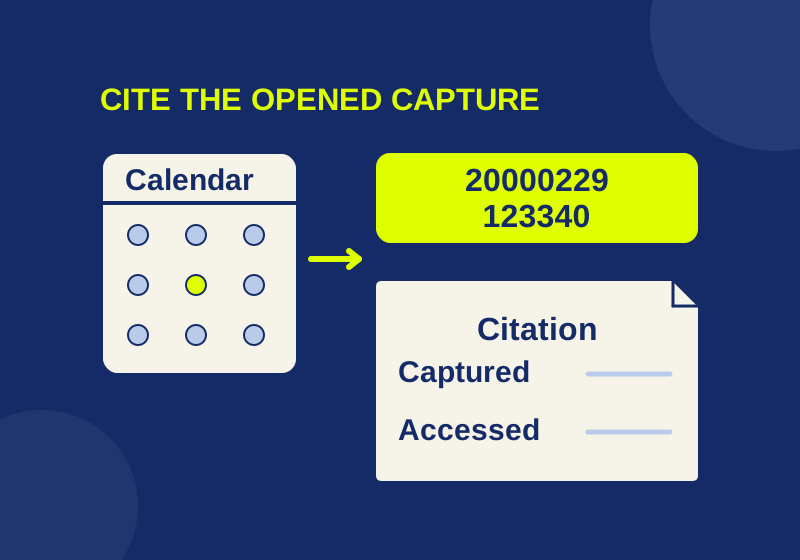
A timestamped Wayback address contains both a capture code and the original URL. The Internet Archive’s usage guide gives this example:
https://web.archive.org/web/20000229123340/http://www.yahoo.com/
In that address, 20000229123340 breaks into 2000-02-29 12:33:40. The original address is http://www.yahoo.com/. A check on October 7, 2026 returned HTML titled “Yahoo!”, with the directory heading “Arts & Humanities” and a copyright 2000 footer. That confirms the archived text received in that request; the images and linked pages were not inspected. This existing Yahoo capture is separate from a new Save Page Now request.
You can paste a timestamped address into the read-only Wayback address inspector. It separates the original address, date code, and replay modifier, and checks whether the 14-digit date and time are structurally valid. It does not contact the archive or prove that a capture exists. Its downloaded JSON says “reader-reported inspection” only when you mark that you opened the replay and provide a passage and access date; otherwise it remains unverified. Enter the specific passage or item you checked, note missing material, and choose the date you opened the replay. Tick the inspection box only after reading that exact saved version, then choose Download my record. The JSON records your observations; it does not run an independent archive check.
Use the capture code to identify the archived version you checked, not as the original article’s publication date. A page could have been published earlier and changed before that capture. When you cite a particular version, retain its exact timestamped address. The Internet Archive’s usage guide also notes that browsing an archive can select a nearby available date and that an uncaptured link may lead to a live page. Check the address and content again after following a link.
Check what the capture contains
Write down a detail you can actually locate in the saved page. For the PDF crop guide, “the article opens” tells you little about whether its useful parts survived. “The paragraph explaining hidden text is readable; the linked cropped PDF does not open” tells a later reader exactly what they can and cannot recover. Treat this as a wording example, not a reported result of the PDF guide’s save request. For a table, record the relevant row. If an image explains a setting, check that the setting’s label is readable.
The Internet Archive’s 2019 update introduced a Save outlinks option for linked pages and resources, along with screenshots. Aarhus University’s Save Page Now guide describes screenshot, email, and outlinks options for a free account. Use an option if it is available to you and suits the material you need; still inspect the result. Outlinks is not a full-site crawl, and an option to request linked material is not proof that every link was saved. Older saving instructions say outlinks are not saved; the later feature announcement describes the optional outlinks request. For an important attachment, checking its own saved address avoids relying on either description alone.
For a time-sensitive page, keep your own local copy while the archive request is pending. Aarhus University cautions that an archived page may become unavailable later and recommends local copies. Keep the local copy with the original address and your save date. A local filename will not give another reader access to it; include the inspected archive address when sharing your source.
If the result is missing or incomplete
First check the original URL you submitted. A typo, a different query string, or a link to the wrong edition can make a successful capture irrelevant to your purpose. If the page requires a password or is otherwise inaccessible, the Internet Archive’s usage guide says it may be missing from the archive. Do not put private credentials into a public save request.
If the replay opens but a feature is blank, compare it with the original page. Content built with JavaScript that depends on a live back end may not work in replay. Look for a public, static version of the specific text or file you need, if one exists. If an image or PDF is missing, check and, where appropriate, submit that item’s own public URL. Record the item as missing until you can open its archived version.
If the request never returns an archive address, preserve the original URL and your local copy, then try a manual request later if the page remains public. Do not write a capture URL from the shape of other archive addresses: a plausible timestamp is not evidence that a save completed.
Questions about saving pages
Is saving different from bookmarking?
Yes. A bookmark takes you back to the original URL, where the content may have changed. A verified timestamped archive address points to a particular captured version.
Will one save request preserve future updates?
No. The Internet Archive’s usage guide says a specific save request does not schedule future crawls. If a later revision matters, request and inspect a later capture separately.
Does a capture prove when an article was published?
No. Its timestamp identifies the capture, not the article’s first publication. Keep the page’s stated publication information separate from the capture date.
Can I use this for a private page?
This workflow is for a current public page. Password-protected material may be inaccessible to the archive, and a private access URL or credential should not be submitted as a workaround.
Checked October 7, 2026: one direct Save Page Now request for the PDF guide timed out after 30 seconds; no completed capture was verified. The existing Yahoo capture returned readable HTML, but its visual completeness was not checked. The address inspector’s forms and downloads were tested locally in Chrome; its address check does not verify a remote capture.
KEEP GOING
More to explore.
SOURCE-CHECKEDWeb research
How to find a Wayback Machine capture and cite the right date
Recover an old page, check the capture address, and record exactly what the archive did or did not show.
SOURCE-CHECKEDWeb research
How to check a Zotero snapshot really works offline
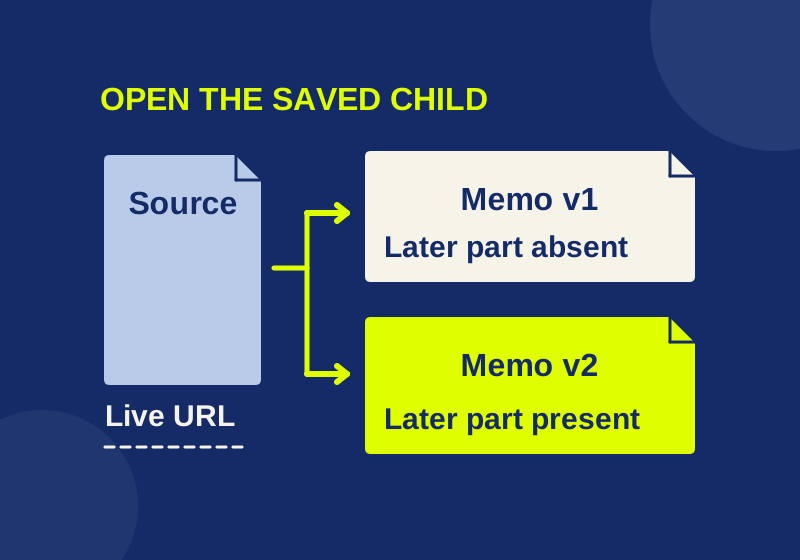
A saved page needs its own content check. Two downloadable memos show the difference between stored text and a live link.